Schedule & Calendar
Overview
The Schedule section is where you view availability, plan time, and manage bookings across shared resources in Colabmacs.
There are two distinct views, each designed for a different purpose:
- Schedule (Resources view) – Used to explore availability and create new bookings across one or more resources
- My Calendar – A personal calendar showing only your bookings, with tools to manage and subscribe to them
Understanding the difference between these views will help you book resources efficiently and avoid conflicts.
Schedule (Resources View)
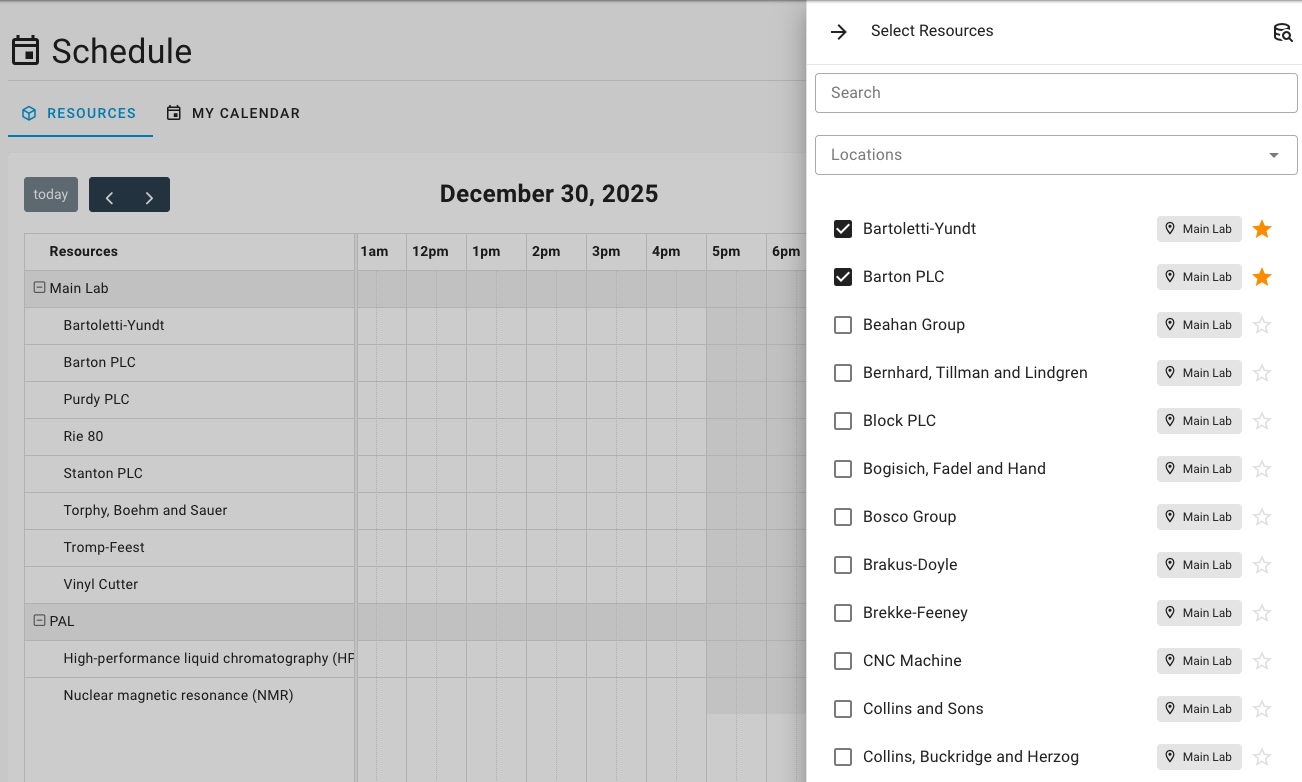
The Schedule view is a resource‑focused calendar. It allows you to see availability and bookings for multiple resources at once, grouped by location.
This view shows everyone’s bookings, not just yours.
What This View Is Used For
Use the Schedule view when you want to:
- Compare availability across multiple resources
- See how busy a lab or location is
- Create new bookings
- Understand how your booking fits alongside others
Resource Selection
Click Choose Resources to open the resource selector panel.
From here you can:
- Search for resources by name
- Filter by Location
- Add or remove resources from the schedule view
Favourite Resources
To quickly access frequently used resources, you can mark them as favourites by clicking the star icon (⭐) next to the resource name in the selector panel. Favourite resources are automatically shown by default.
Creating a New Booking
New bookings can be created from this view by clicking and dragging across an available time range.
My Reservations (Personal View)
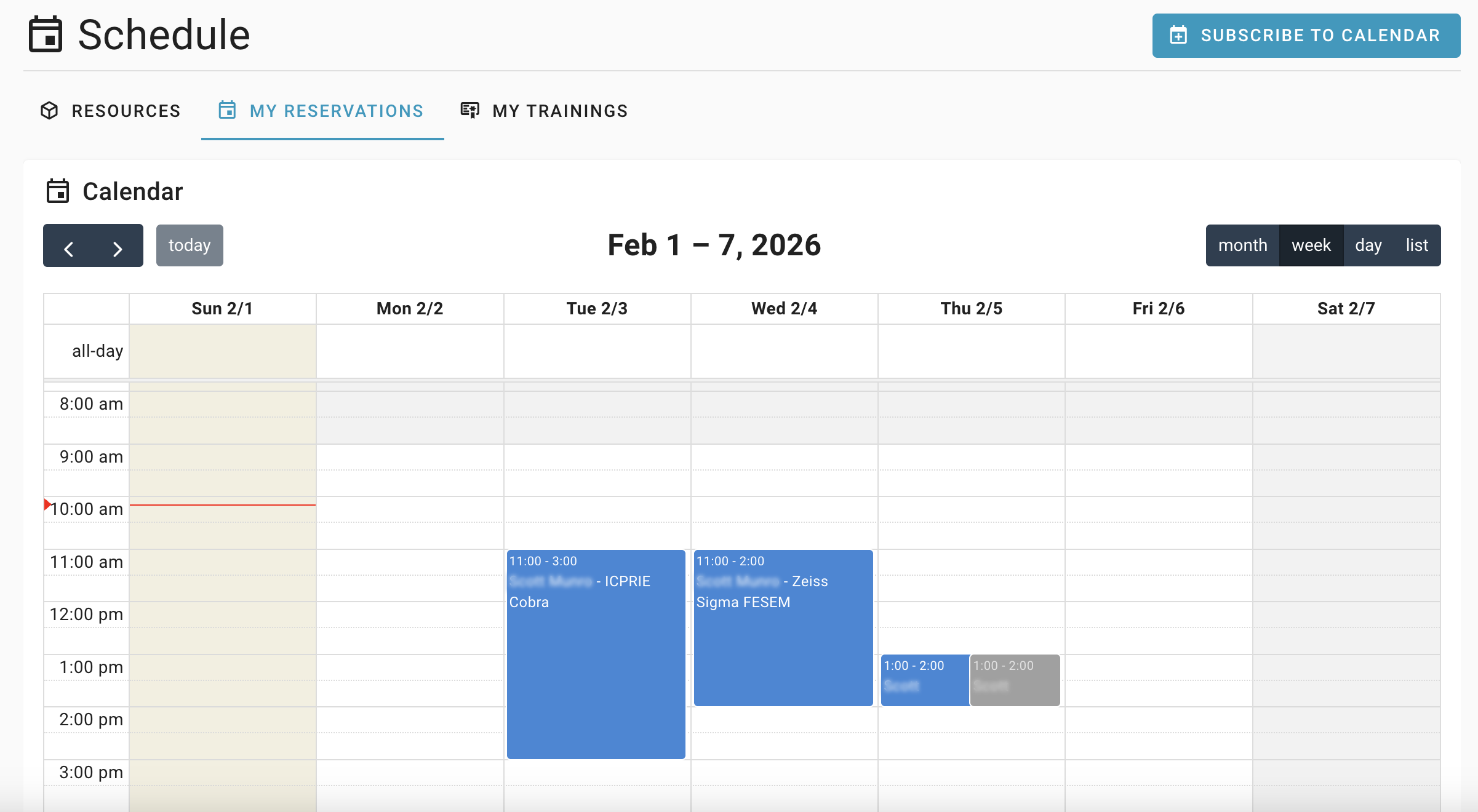
The My Reservations tab shows only your own bookings, across all resources.
Modifying Bookings
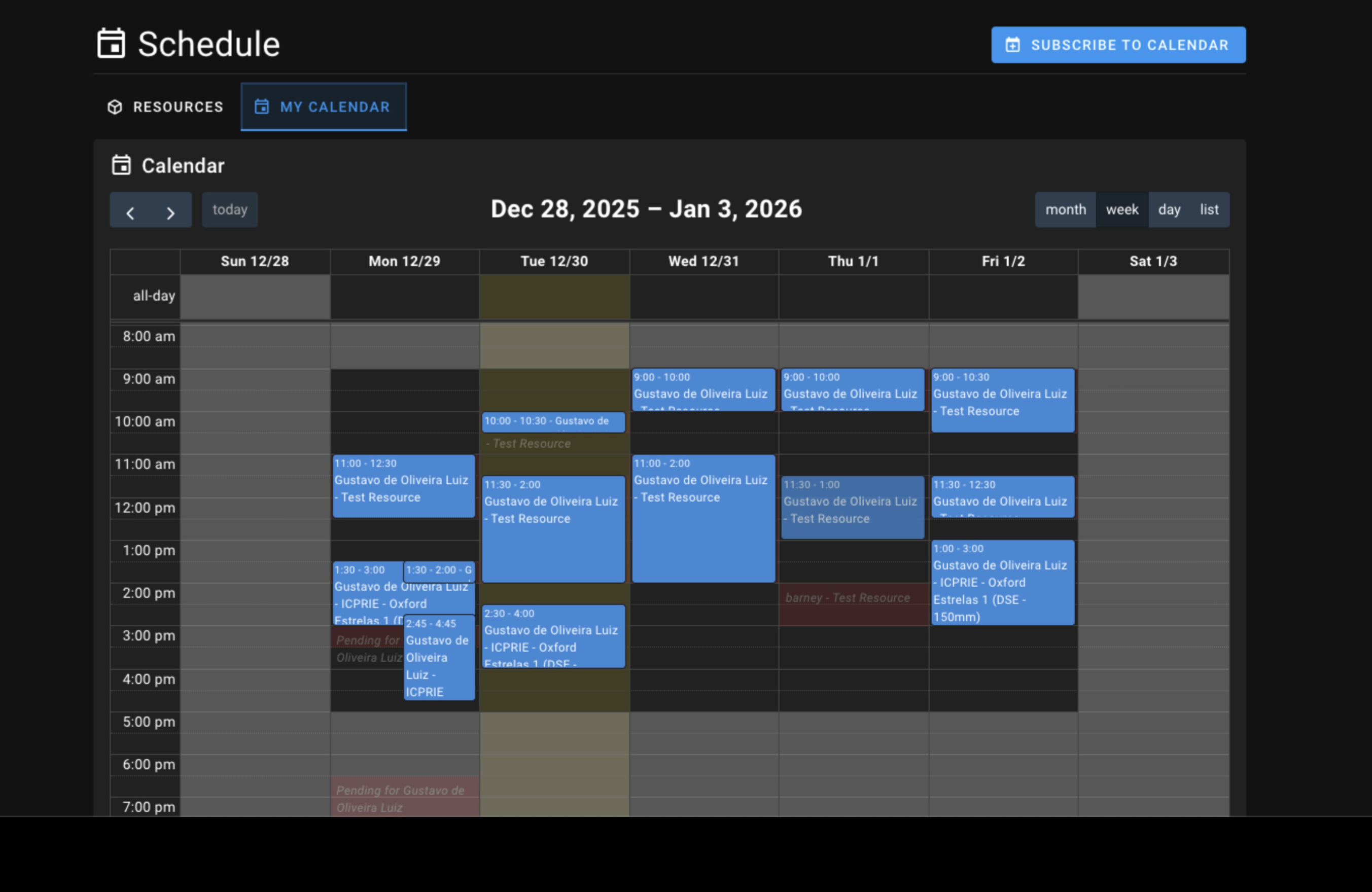
You can drag and drop your bookings to adjust timing. Background events will appear to show conflicts.
Calendar Subscription
Click Subscribe to Calendar to generate a private calendar feed URL.
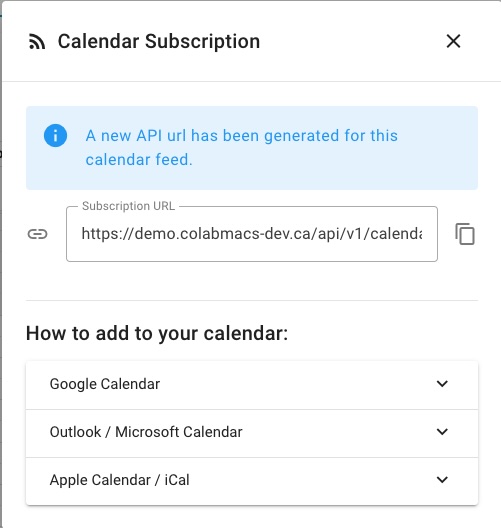
The calendar can be added to Google Calendar, Outlook, or Apple Calendar.
My Trainings
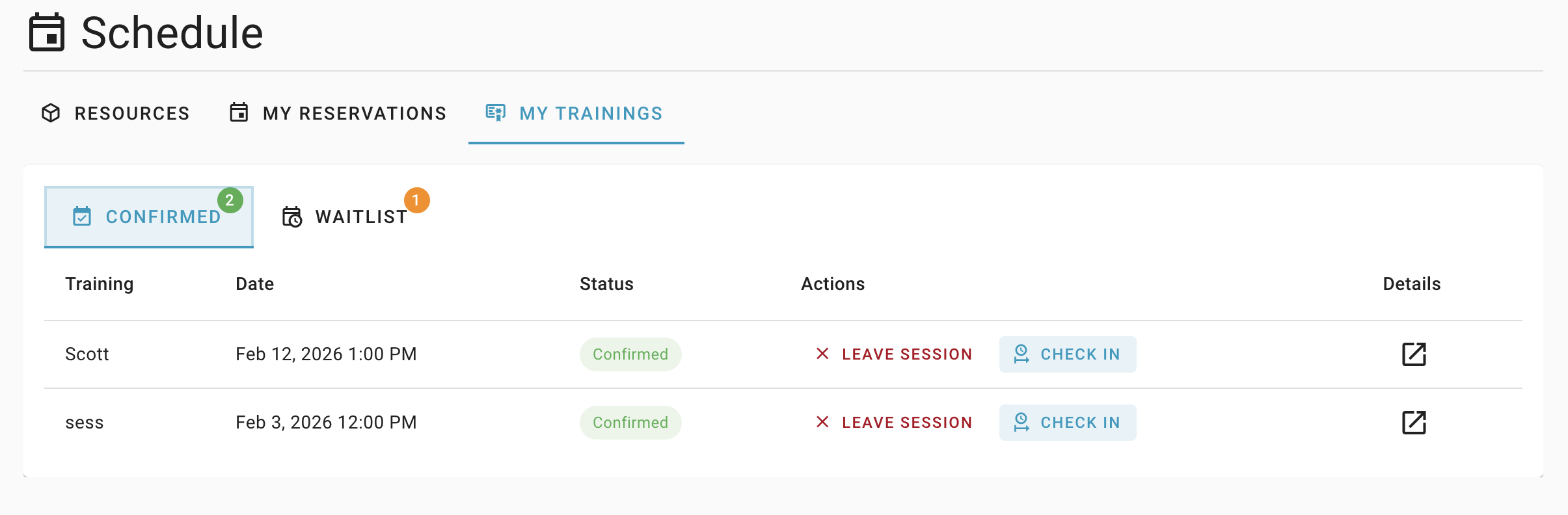
The My Trainings tab shows your upcoming confirmed, and waitlisted training sessions. If you are a trainer, you may also see sessions you are delivering here as well.