

Material Management
Overview
Materials (sometimes called consumables) let you track items that are used during work in the facility — or provided on their own. Common examples include filament, substrates, chemicals, blanks, fasteners, and supplies.
Materials are designed to work alongside:
- Projects (who the material is used for)
- Rates (how it is priced)
- Usage Records (optional linkage to a session)
- Charges (the billable outcome, when billing is enabled)
Evolving feature
Materials will continue to expand over time. The current goal is to make material usage trackable and billable in a consistent way.
Materials
A Material is the catalog entry — the thing you want to track.
You’ll typically store:
- A clear name (what staff and users will recognize)
- Optional identifiers like UPC/barcode
- Helpful notes/specs (size, grade, safety notes, supplier, etc.)

Good naming patterns
PLA Filament – Black (1.75mm)Acrylic Sheet – 3mmIsopropyl Alcohol – 99%Copper Clad – FR4
Material Usage
A Material Usage record is a consumption event — it answers:
- What material was used?
- How much was used (Qty + Unit)?
- Who used it (User)?
- Which project it belongs to?
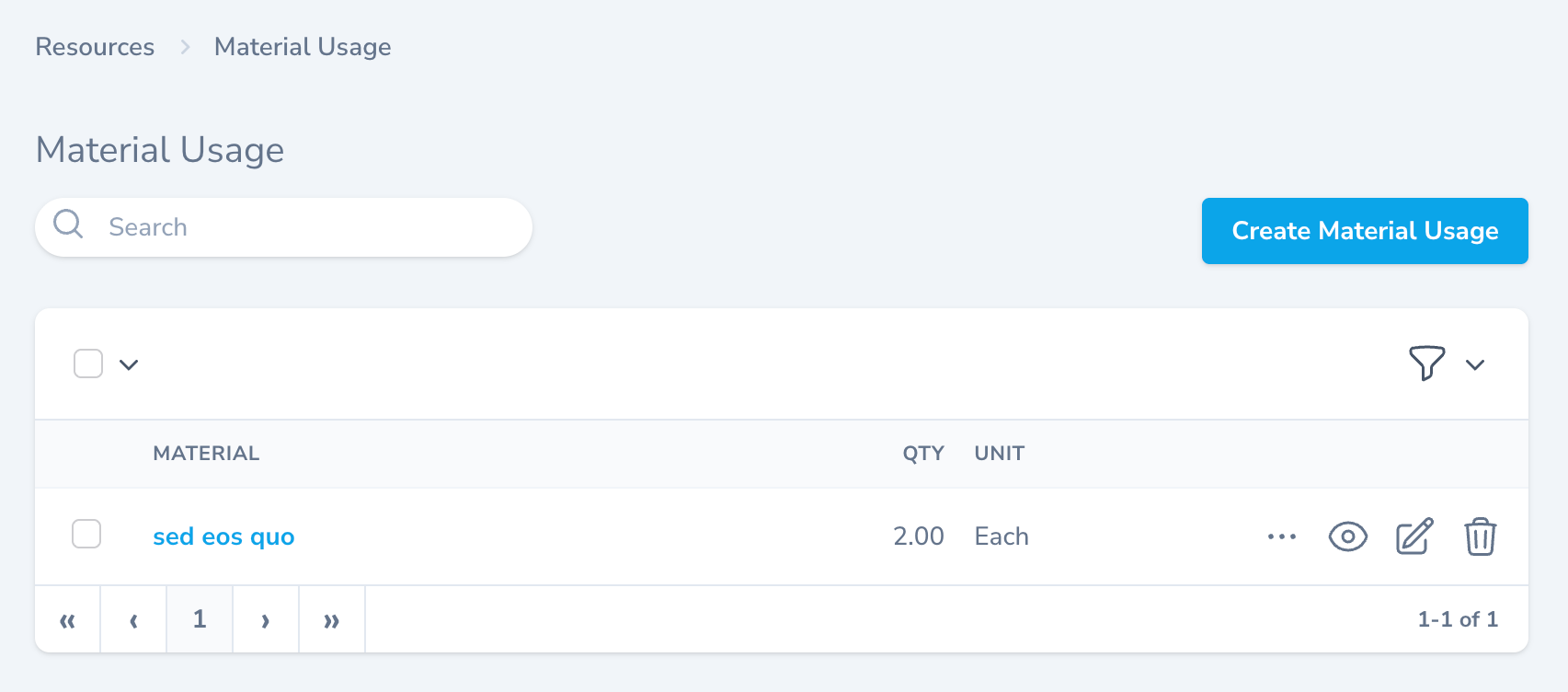
Linking Material Usage to resource work (optional)
Material usage can optionally be linked to a Resource Usage Record. This is useful when you want the material consumption to be tied directly to a specific session (for reporting, reconciliation, or audit purposes).
Practical approach
If your facility is early in rollout, start by recording project + qty reliably. Linking to resource usage can be added later without changing the core billing model.
How billing works (high level)
Materials can generate Charges in the same general way as resource usage:
- A Material Usage record exists (Qty, Unit, User, Project)
- The Material has a Rate
- That rate is available through the project’s Rate Group / project type configuration
Pricing depends on your rate setup
If a material doesn’t have an applicable rate for the project’s rate group, the system may not be able to produce a charge for that usage.
Example
A user consumes filament during a print:
- Resource usage: 5 hours on “3D Printer”
- Material usage: 250 g of “PLA Filament – Black”
Charges (example rates):
- Printer:
5.0 hours × $50/hr = $250 - Filament:
250 g × $0.10/g = $25 - Total:
$275
Where Materials fit in the admin workflow
Most facilities use Materials for one (or both) of these patterns:
- Consumables during resource usage (tracked by Material Usage, optionally linked to a session)
- Stand-alone materials (sold/issued without a resource session, still assigned to a project)