
Trainings
Trainings
About Trainings
The Training feature allows you to define, track, and manage all training programs and certifications relevant to your facility's users. You can add new training courses, record user completion, and monitor their qualifications for specific equipment or areas. This ensures that only authorized and adequately trained personnel access your resources.
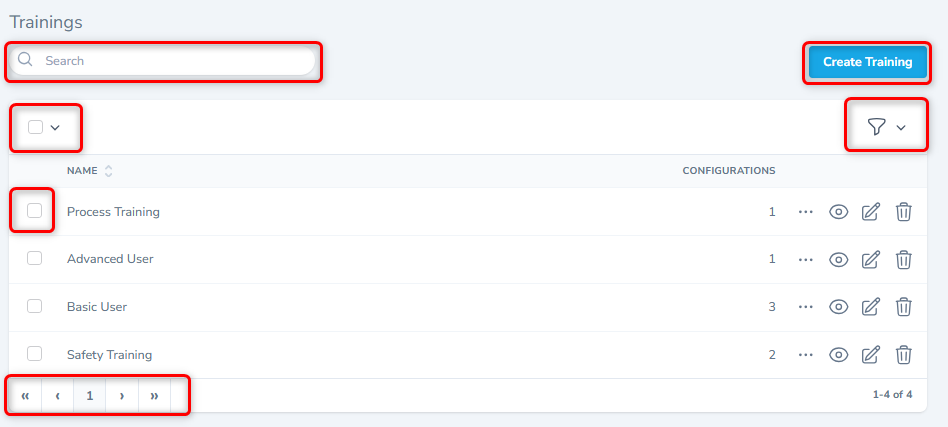
Utility Functions
This frame has several utility functions designed to enhance your efficiency and control when managing data. These features provide streamlined ways to find, organize, and view your records, ensuring a flexible and user-friendly experience. Each utility function is explained below.
Create New Trainings
From the listing screen, click the Create New Team Member button.
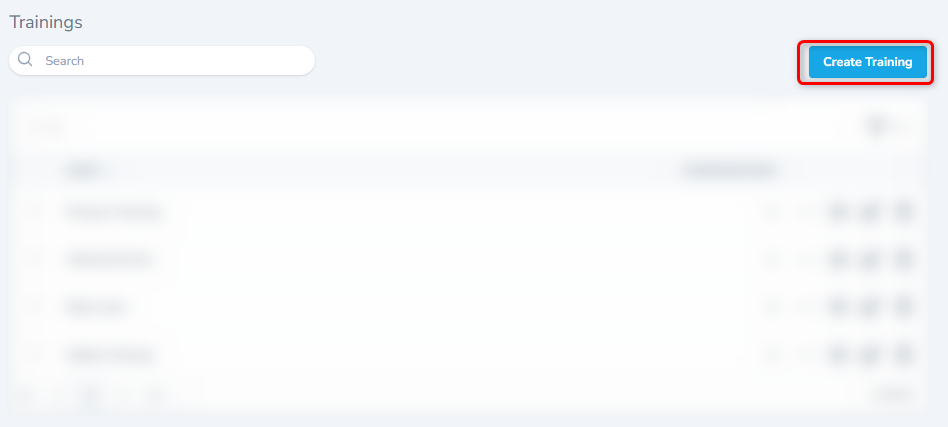
The system will display the form shown below. Fill in the appropriate details to create a new Team Member.
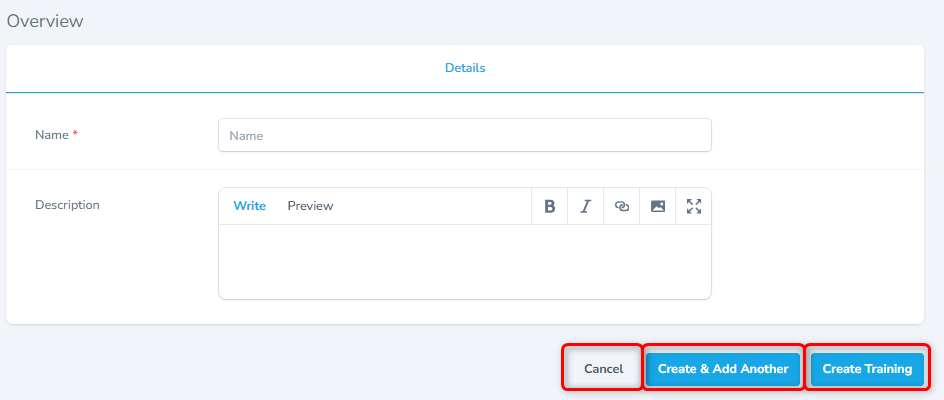
- Choose the user and then select the resource to associate the selected resource with the user.
- To save the record, click the Create Resource Team Member button.
- To save this record and add another record, click the Create & Add Another button.
- To close without saving, click the Cancel button.
Tips
When adding multiple Trainings, use the Create & Add Another function to add records more efficiently.
View Record
- From the listing screen, click the View button or click the record. The system will display a detailed form as shown.
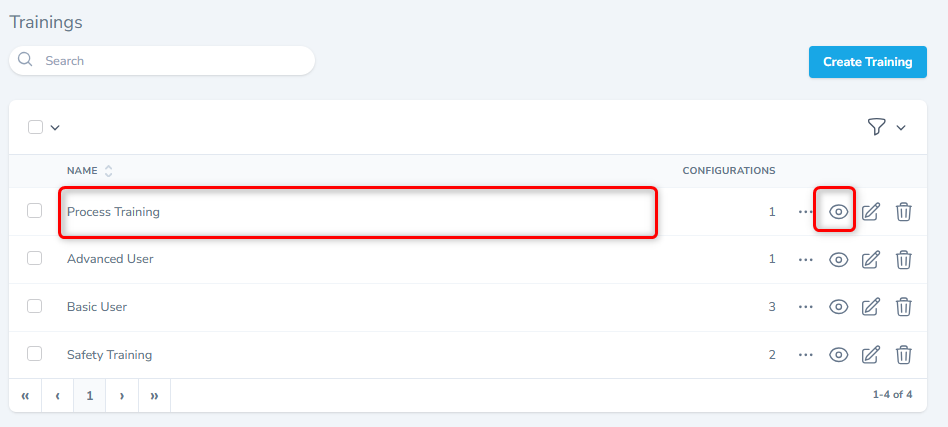
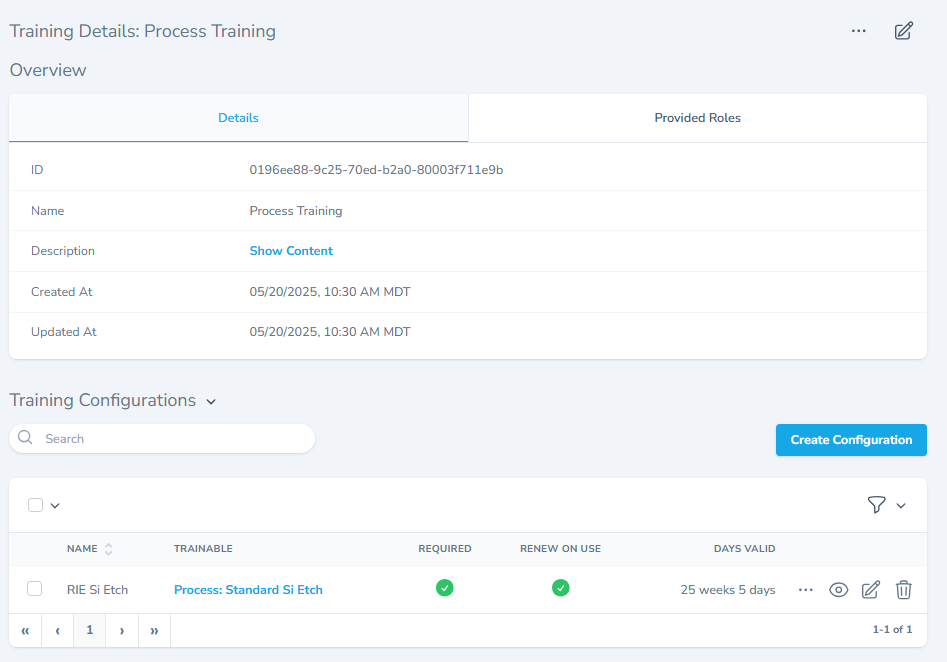
Overview Section
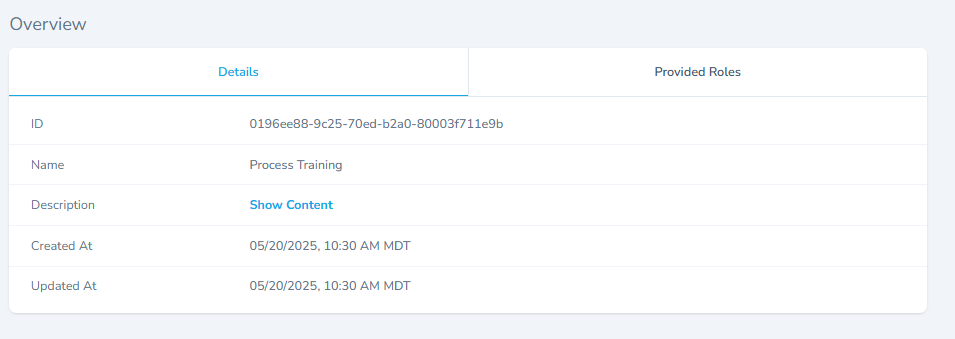
- The section displays all information of the selected Infrastructure.
- The section has two tabs, Details tab, provided Rules tab.
- The details tab shows all basic training information.
- The provided roles provide the related roles information.
Training Configuration Section
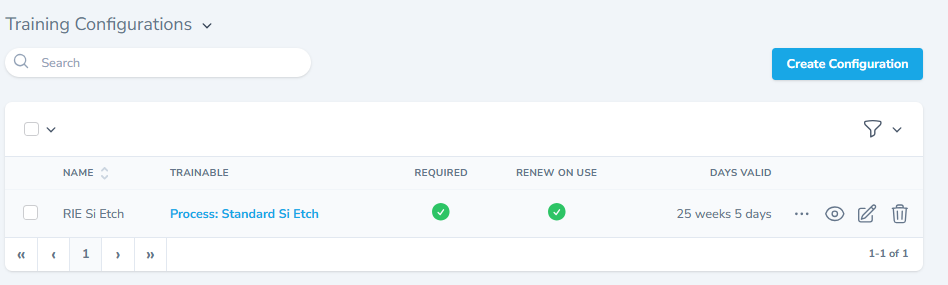
- This section lists all the associated configurations and allows to view, edit or delete any configuration.